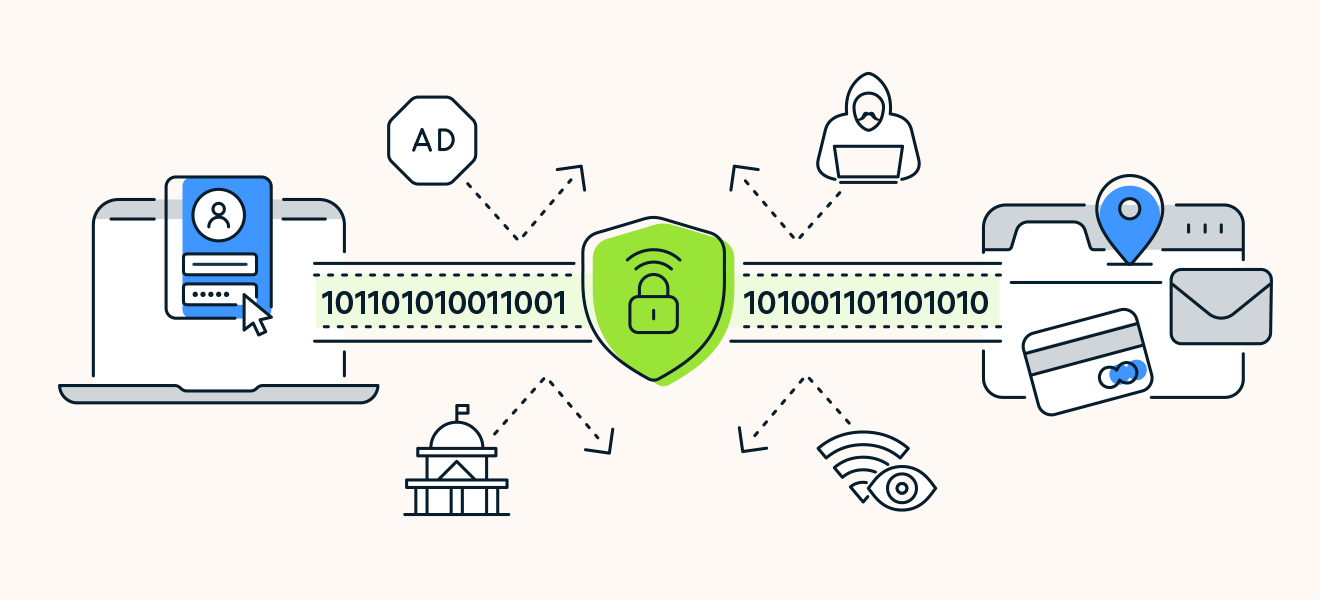
How to Install WireGuard VPN Server on a Windows VPS (Step-by-Step Guide)
WireGuard is one of the fastest and most secure VPN technologies available today. If you have a Windows VPS, you can easily install WireGuard and
WireGuard is one of the fastest and most secure VPN technologies available today. If you have a Windows VPS, you can easily install WireGuard and
A Windows VPS allows you to access a remote Windows server from anywhere in the world. Whether you’re managing websites, running trading software, hosting applications,
This guide explains how to install and configure different types of VPN servers on Windows Server: RRAS, OpenVPN, and WireGuard. Includes images, pros & cons,
Opening a port in Windows Server can seem daunting, especially if you’re new to server management. But don’t worry – it’s simpler than you might
Are you looking to transfer files seamlessly between systems? Installing FileZilla Server on your Windows VPS might be just the solution you need. This open-source
Are you ready to take your website to the next level? Moving from shared hosting to a Virtual Private Server (VPS) is a significant step
In the realm of internet security, VPNs are a crucial tool. They provide a secure, encrypted tunnel for your data. WireGuard VPN stands out among its
Introduction to PowerShell Scripting Have you ever wished you could streamline the repetitive tasks you perform on your Windows VPS? With PowerShell scripting, your wish
PPTP (Point-to-Point Tunneling Protocol) is one of the oldest VPN protocols, PPTP (Point-to-Point Tunneling Protocol) is one of the oldest VPN protocols, dating back to
Remote Desktop Protocol (RDP) is a valuable tool for remote management and access to servers and workstations. However, its popularity also makes it a prime
Ever faced annoying system crashes or unexpected errors on your Windows Server? Keeping system integrity intact is crucial for a smooth computing experience. That’s where
For those managing a Linux VPS, setting up an FTP server can significantly streamline file management and remote access. In this post, we’ll walk you