
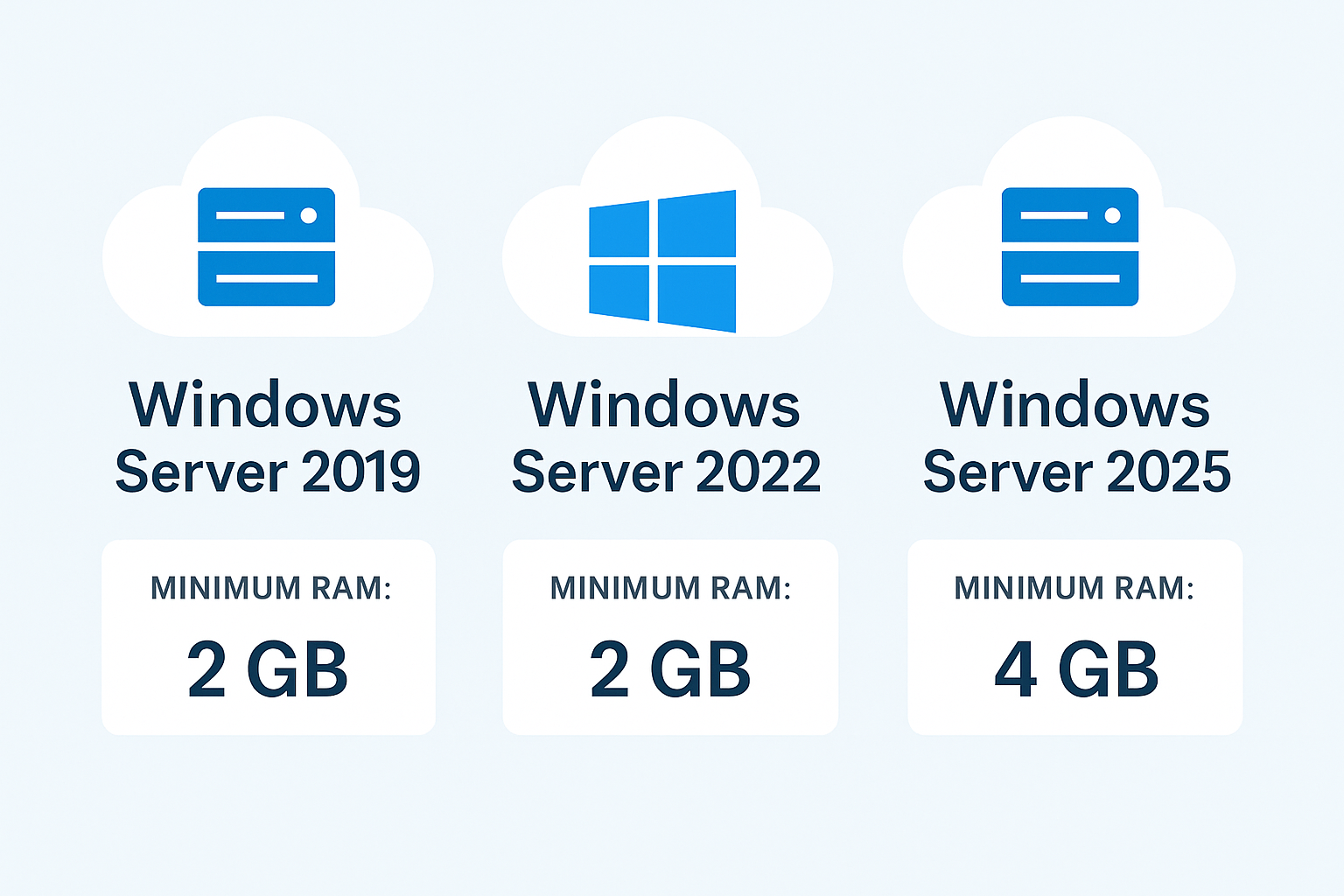
Choosing the operating system for your Windows VPS is a critical decision that impacts performance, security, and compatibility. With Windows Server 2019, 2022, and the upcoming 2025 as key options, how do you decide which is best for your hosting needs?
This detailed guide breaks down the features, improvements, and ideal use cases for each edition to help you make an informed choice for your virtual private server.
Why Your Windows Server Version Matters
The right OS isn’t just about having the latest; it’s about matching performance requirements, security protocols, and application compatibility with your project’s goals. An outdated OS can be a security risk, while an overly new one might lack software support.
Head-to-Head Comparison: Key Differences at a Glance
| Feature | Windows Server 2019 | Windows Server 2022 | Windows Server 2025 |
|---|---|---|---|
| Status | Mature & Widely Supported | Current & Recommended | Upcoming / Preview |
| End of Support | Jan 9, 2029 | Oct 14, 2031 | ~2034 (Projected) |
| Core Security | Shielded VMs, Basic Security | Secured-core Server, HTTPS/3, AES-256 | Extended Secured-core, Post-Quantum Cryptography |
| Hybrid Cloud | Azure Hybrid Benefit | Enhanced Azure Arc Integration | Deep Azure Automanage & Copilot Integration |
| Performance | Solid for General Workloads | +30% Faster HTTP/3, SMB, Storage | Further Optimized for AI/ML & Edge Computing |
| Container Support | Windows & Linux Containers | Smaller Container Images (>=20% size reduction) | Next-Gen Container & Orchestration Tools |
| Key Advantage | Stability, Broad Compatibility | Best Balance of Security & Modern Features | Future-Proof, Cutting-Edge & AI-Ready |
In-Depth Analysis: Who Should Choose Which?
1. Windows Server 2019: The Stable Workhorse
Best for: Legacy application support, businesses with proven, stable deployments, or those needing extended testing before an upgrade.
Strengths: Extremely stable, extensive driver and software compatibility, ideal for file servers, domain controllers, and traditional web hosting (IIS).
Considerations: Lacks the latest performance tweaks and the most advanced security features of newer versions. Support ends in 2029.
2. Windows Server 2022: The Recommended Standard for Most VPS Users
Best for: Most new deployments today. It offers the perfect blend of cutting-edge features, robust security, and proven stability.
Strengths: Introduces Secured-core server for hardware-based security, significantly faster encrypted networking, and improved container support. It’s the most performant and secure choice for modern applications, ASP.NET Core hosting, MSSQL databases, and business applications.
Why it’s often the best choice: It provides a long support runway (until 2031) and is fully optimized for current hardware, making it the ideal OS for a high-performance Windows VPS.
3. Windows Server 2025: The Future-Proof Frontier
Best for: Early adopters, developers testing next-gen applications, or businesses planning specifically for AI integration, advanced edge computing, and maximum future compatibility.
Strengths: Focuses on AI workload enhancements, deeper Azure cloud integration with Copilot management, and the absolute latest in cryptography and security.
Important Note: As a preview/long-term servicing channel (LTSC) release, it may not be suitable for mission-critical, production environments until its full, stable release.
Key Decision Factors for Your VPS
Application & Software Requirements: Always check your essential software’s compatibility. Some legacy apps may only certify for Server 2019.
Security Needs: For handling sensitive data, Windows Server 2022’s Secured-core features provide a significantly hardened environment that 2019 cannot match.
Performance Demands: If you need the fastest possible encrypted web traffic (HTTPS/3) and storage speeds, 2022 and 2025 have clear advantages.
Support Lifecycle: For long-term projects, choose an OS with an extended support period to avoid forced migrations. Server 2022 currently offers the best long-term stability.
Budget: Older OS versions might have slightly lower licensing costs, but the enhanced security and efficiency of a newer OS like Server 2022 often provide a better ROI.
Final Recommendation
For most users deploying a new Windows VPS today, Windows Server 2022 is the clear and recommended choice. It delivers the optimal combination of modern security, proven performance improvements, and long-term support.
Choose Windows Server 2019 only if you have specific legacy compatibility needs or are migrating an existing, unchanged setup.
Explore Windows Server 2025 in a test environment if your roadmap is centered on AI, advanced cloud automation, or you want to evaluate the absolute latest Microsoft server technologies.
Ready to deploy your optimized Windows VPS? Explore our high-performance Windows VPS hosting plans configured with your choice of OS, including the recommended Windows Server 2022.