
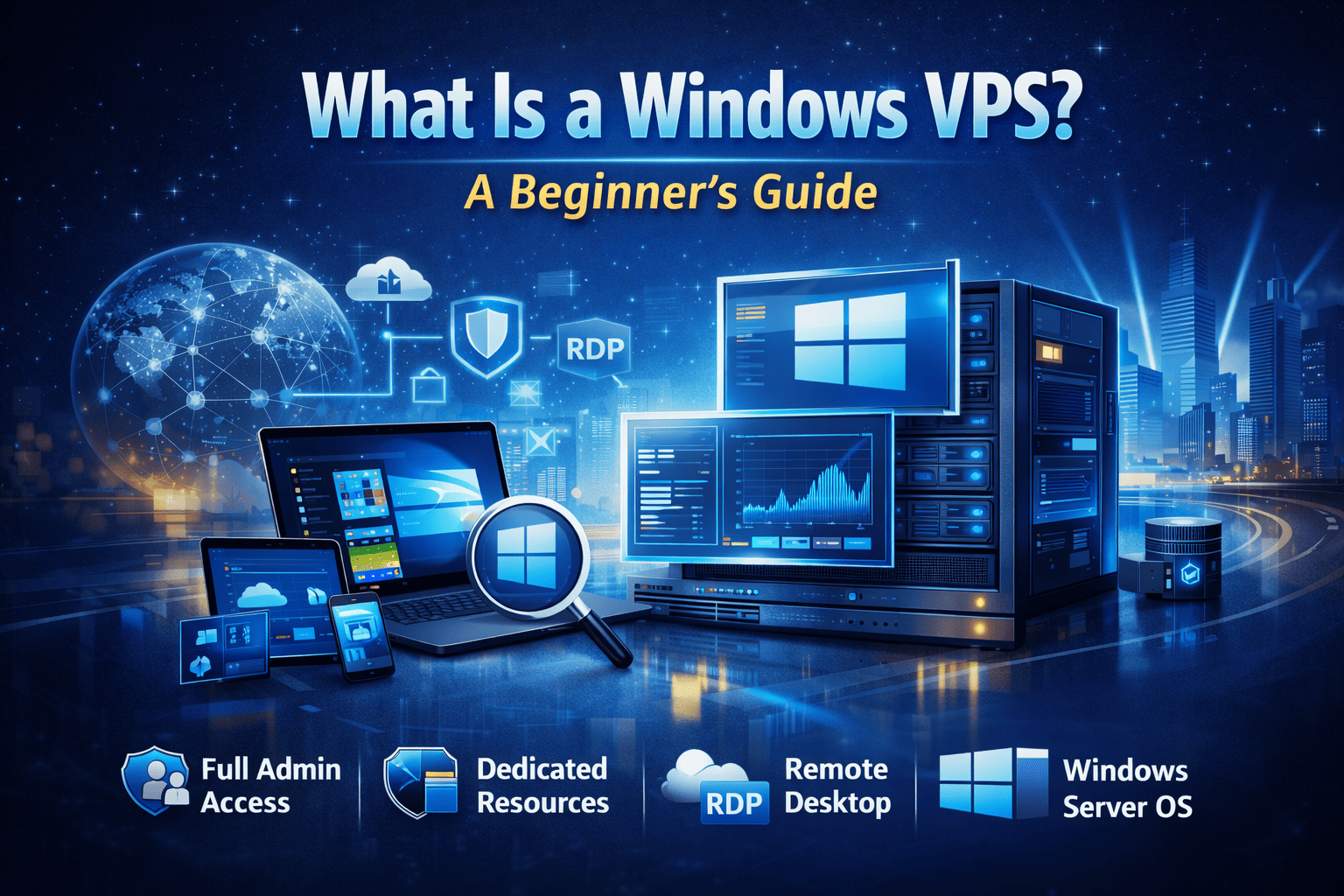
What Is a Windows VPS? A Beginner’s Guide
If you’ve ever searched for better hosting performance, remote desktop access, or more control than shared hosting allows, you’ve probably come across the term Windows VPS.
But what exactly is a Windows VPS, and how is it different from other hosting options?
This beginner-friendly guide explains what a Windows VPS is, how it works, who it’s for, and when it makes sense to use one.
What Does Windows VPS Mean?
A Windows VPS (Virtual Private Server) is a virtual server that runs Windows Server as its operating system and provides you with dedicated resources, administrator access, and full control over the environment.
It behaves like a standalone Windows computer, but it’s hosted inside a powerful physical server in a data center.
In simple terms:
A Windows VPS is your own private Windows server, accessible online via Remote Desktop (RDP).
How Does a Windows VPS Work?
A Windows VPS is created using virtualization technology, which allows a single physical server to be divided into multiple independent virtual machines.
Each Windows VPS:
Runs its own copy of Windows Server
Has dedicated CPU, RAM, and storage
Is isolated from other VPS instances
Can be rebooted, configured, and managed independently
Most professional Windows VPS providers use Hyper-V virtualization, which is built by Microsoft and optimized specifically for Windows workloads.
What Is the Difference Between Windows VPS and Shared Hosting?
This is where many beginners get confused.
Shared Hosting
Multiple users share the same server resources
No admin access
Limited performance
Restricted software installation
Windows VPS
Dedicated CPU, RAM, and disk
Full administrator access
Stable and predictable performance
Ability to install any Windows software
| Feature | Windows VPS | Shared Hosting |
|---|---|---|
| Dedicated Resources | ✅ Yes | ❌ No |
| Admin Access | ✅ Yes | ❌ No |
| RDP Access | ✅ Yes | ❌ No |
| Performance | 🚀 High | 🐢 Limited |
| Security | 🔒 Isolated | ⚠️ Shared |
If you need reliability and control, Windows VPS is the clear upgrade.
What Can You Do with a Windows VPS?
A Windows VPS is extremely flexible and supports many use cases.
Common Windows VPS Uses
Remote desktop access (RDP)
Hosting ASP.NET or .NET applications
Running MSSQL databases
Forex and crypto trading platforms
Business software (accounting, ERP, CRM)
Application testing and development
File hosting and internal company tools
If your application requires Windows, a Windows VPS is often the best solution.
Who Should Use a Windows VPS?
A Windows VPS is ideal for:
👩💼 Businesses
Centralized remote desktops
Hosting internal applications
Secure access for employees
👨💻 Developers
Windows-based development environments
Testing software in isolation
Hosting .NET applications
📊 Traders
Low-latency trading platforms
Always-on trading bots
Stable RDP connections
🏠 Remote Workers
Personal cloud desktop
Access work files from anywhere
Consistent Windows environment
Windows VPS vs Linux VPS
One of the most common beginner questions is whether to choose Windows VPS or Linux VPS.
Choose Windows VPS if you need:
Remote Desktop (RDP)
Windows-only software
ASP.NET, MSSQL, or .NET
Familiar Windows interface
Choose Linux VPS if you need:
cPanel or web hosting only
Open-source stacks
Command-line environments
Linux VPS cannot replace Windows VPS when Windows software is required.
Is Windows VPS the Same as RDP Hosting?
Not exactly.
While Windows VPS includes RDP access, it offers much more than basic RDP hosting.
Windows VPS provides:
Full administrator access
Custom software installation
Firewall and security control
Dedicated system resources
RDP hosting is often more limited and restrictive.
Is a Windows VPS Secure?
Yes — Windows VPS hosting is secure when configured correctly.
Security benefits include:
Isolated virtual environment
Dedicated IP address
Custom firewall rules
Controlled user access
You control:
Windows Firewall
RDP ports
User permissions
Installed applications
This level of security is not possible with shared hosting.
What Is Instant Activation Windows VPS?
An instant activation Windows VPS is provisioned automatically within minutes after payment confirmation.
Benefits include:
No setup delay
Immediate RDP access
No waiting for manual approval
This is especially useful for:
Urgent deployments
Traders who need immediate access
Businesses replacing a failed server
Is a Cheap Windows VPS Reliable?
A common myth is that cheap Windows VPS means poor quality.
In reality, pricing depends on:
Hardware efficiency
Automation
Resource management
Provider infrastructure
A well-designed platform can offer affordable Windows VPS plans without sacrificing performance or reliability.
How Much Does a Windows VPS Cost?
Windows VPS pricing typically depends on:
CPU cores
RAM amount
Storage type (SSD or NVMe)
Server location
Windows license cost
Entry-level Windows VPS plans are suitable for:
Remote desktop access
Light applications
Small business workloads
As your needs grow, you can upgrade resources easily.
When Should You Choose a Windows VPS?
A Windows VPS makes sense when:
Shared hosting is too slow or limited
You need full admin access
Your software requires Windows
You want predictable performance
You need RDP access
It fills the gap between shared hosting and expensive dedicated servers.
How to Choose the Right Windows VPS Provider
When selecting a provider, look for:
Dedicated resources (no overselling)
Hyper-V virtualization
Instant activation
Transparent pricing
Responsive support
A provider that focuses specifically on Windows VPS hosting will usually deliver better performance and support.
Learn More About Windows VPS Hosting
This article explains the basics, but if you want a deeper breakdown of performance, security, comparisons, and use cases, read our complete guide:
👉 Ultimate Guide to Windows VPS Hosting (2026 Edition)
Ready to Try a Windows VPS?
If you’re ready to get started with an affordable, high-performance Windows VPS with full admin access, explore our plans here: